Sales happen outside events too
Instagram, WhatsApp, and direct orders need proper records, not just chat messages.

VendorCue helps vendors record event sales, Instagram orders, WhatsApp orders, pickup sales, and direct business sales while managing stock, making cost, expenses, and real profit from one place.
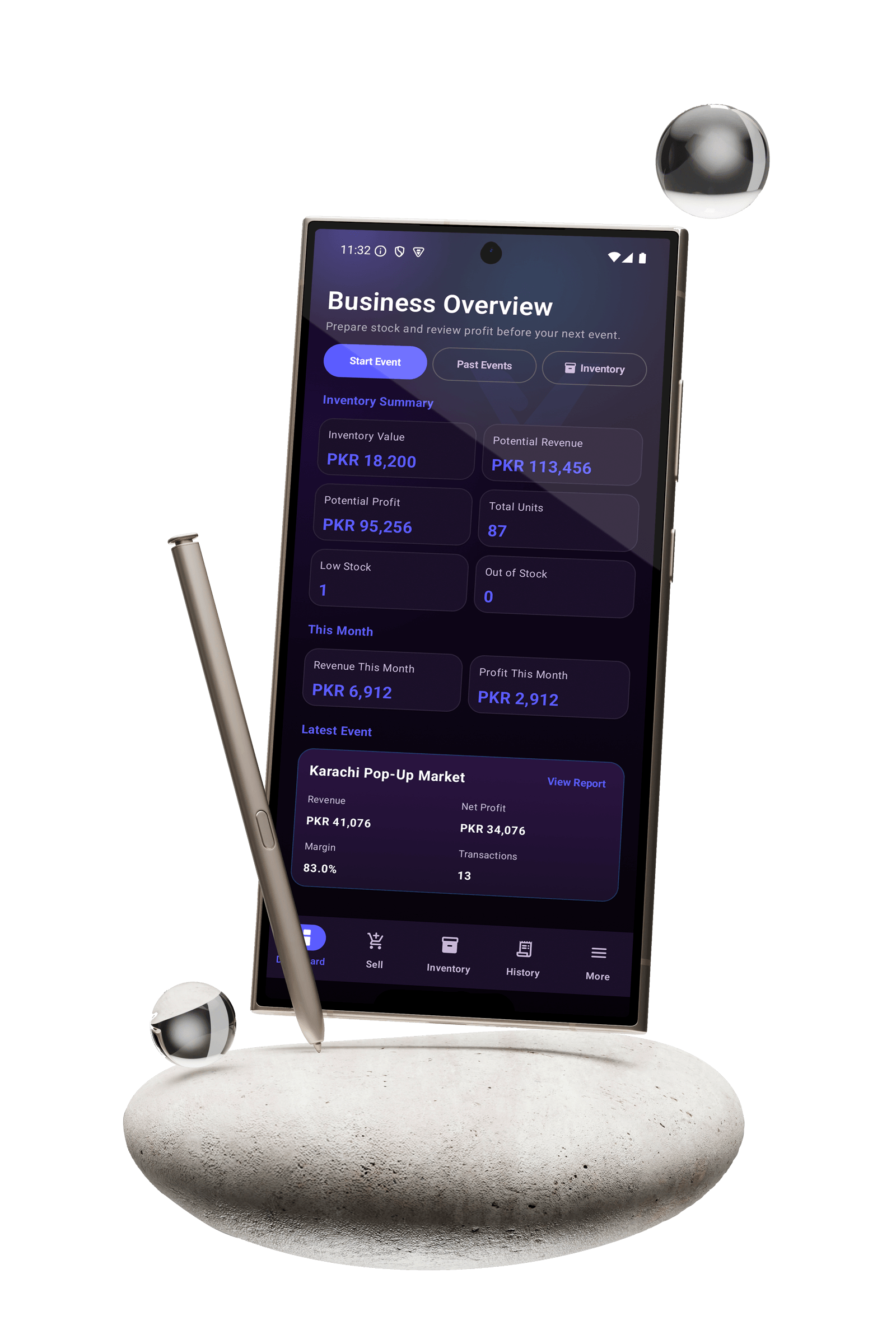
Vendors often sell at events, through Instagram, WhatsApp, pickups, and direct orders. Sales notes, stock changes, costs, and expenses can quickly spread across chats, notebooks, calculators, and memory.
Instagram, WhatsApp, and direct orders need proper records, not just chat messages.
Without one inventory system, vendors can oversell, forget restocks, or lose track of remaining products.
Making cost, discounts, and event expenses decide the real profit after every sale or event.
Paper notes and screenshots are hard to search, sync, restore, and review later.
Record sales during exhibitions, pop-ups, markets, conventions, and festivals with cash/bank payment tracking and manual discounts.
Record Instagram, WhatsApp, pickup, custom, and direct sales even when no event is active.
Manage products, categories, selling price, making cost, opening stock, and low-stock alerts.
See revenue, making cost, discounts, expenses, net profit, margin, transactions, and items sold.
Keep sales, inventory, expenses, and reports synced safely across approved devices.
Create your VendorCue account directly in the Android app and start with a three-day Trial.
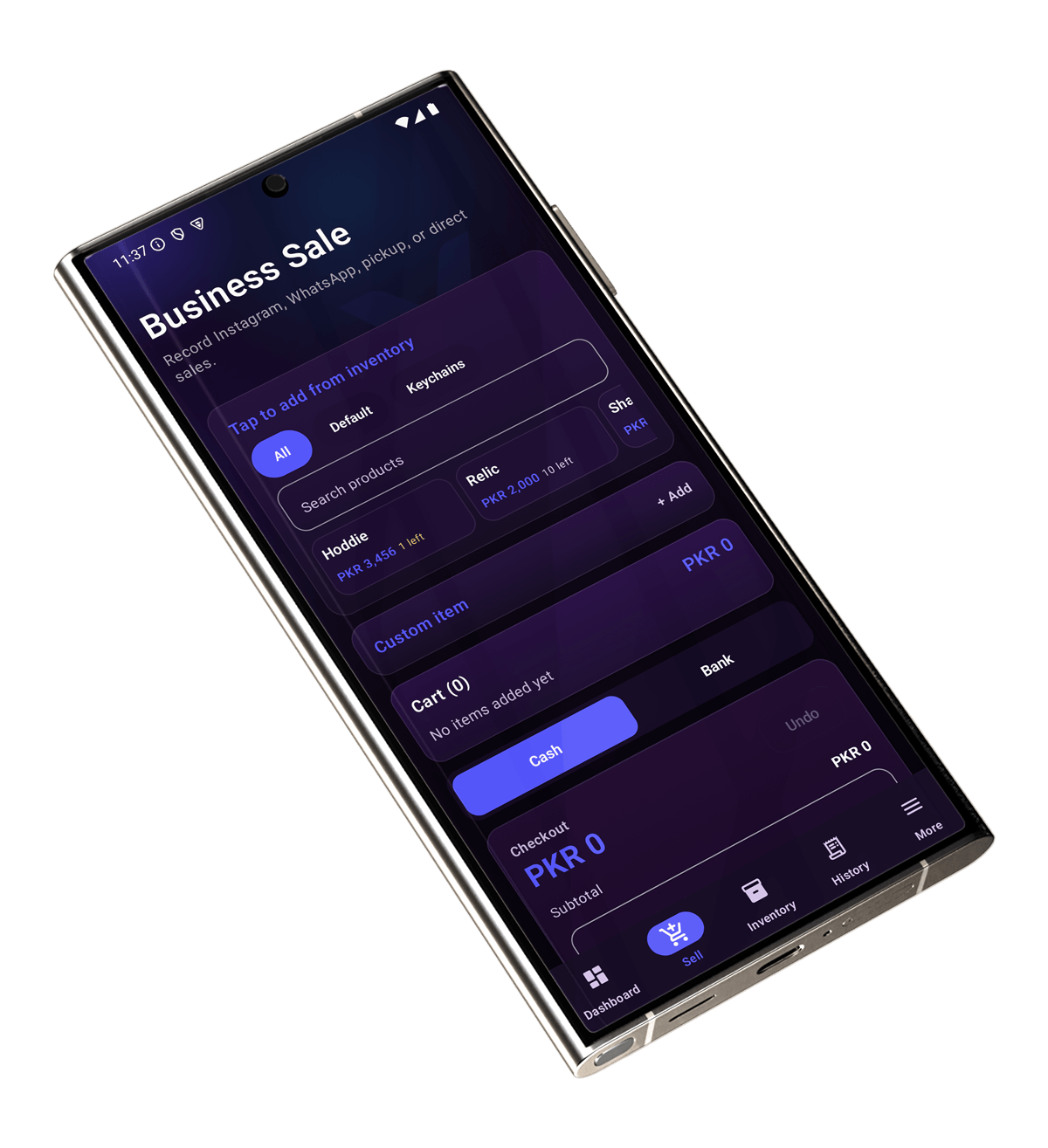
VendorCue supports both Event Sales and Business Sales. Use it at a stall, or record Instagram, WhatsApp, pickup, and direct orders without creating a fake event.
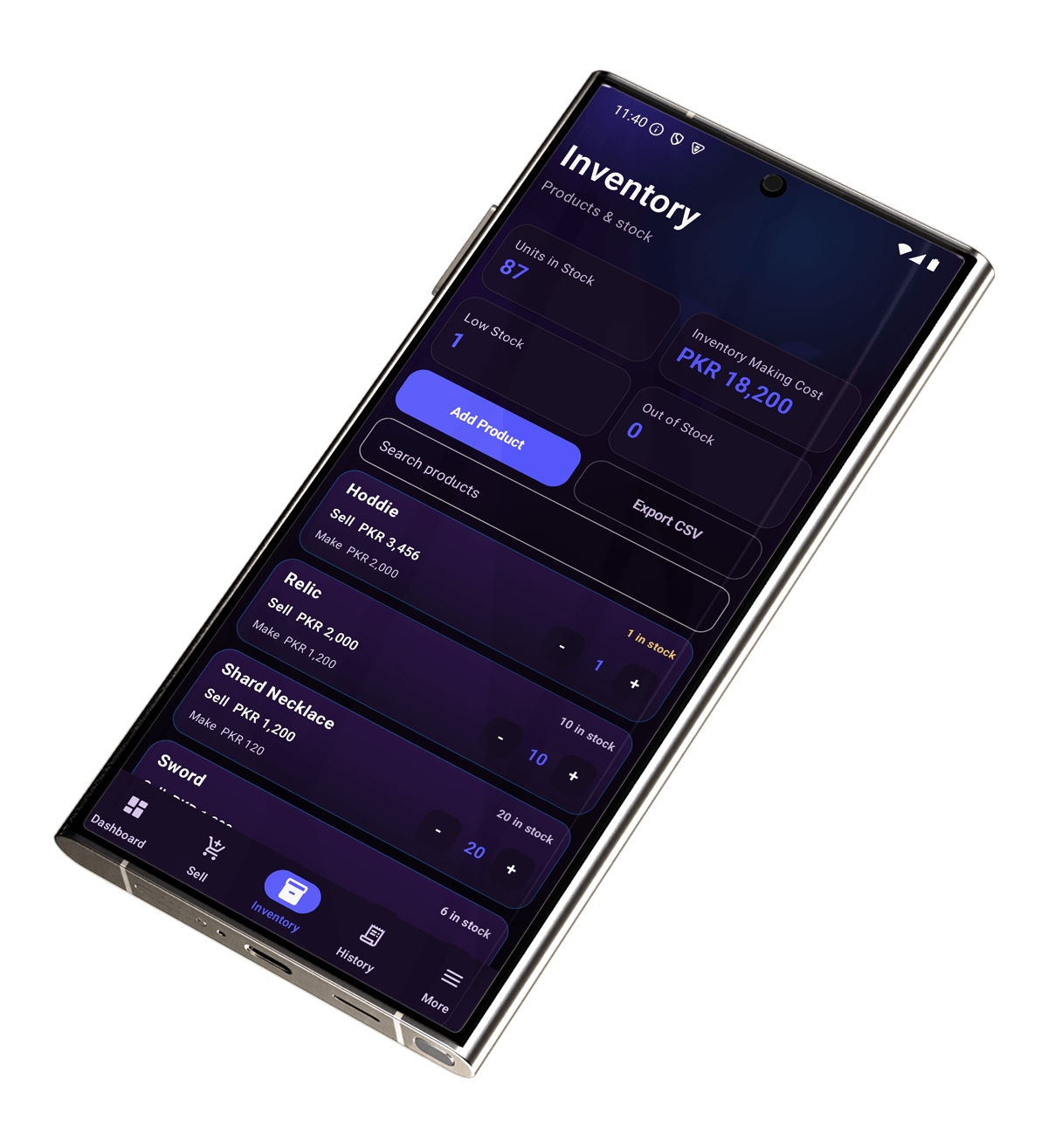
Track products, categories, selling price, making cost, stock, and low-stock status so you know what is available before the next sale.
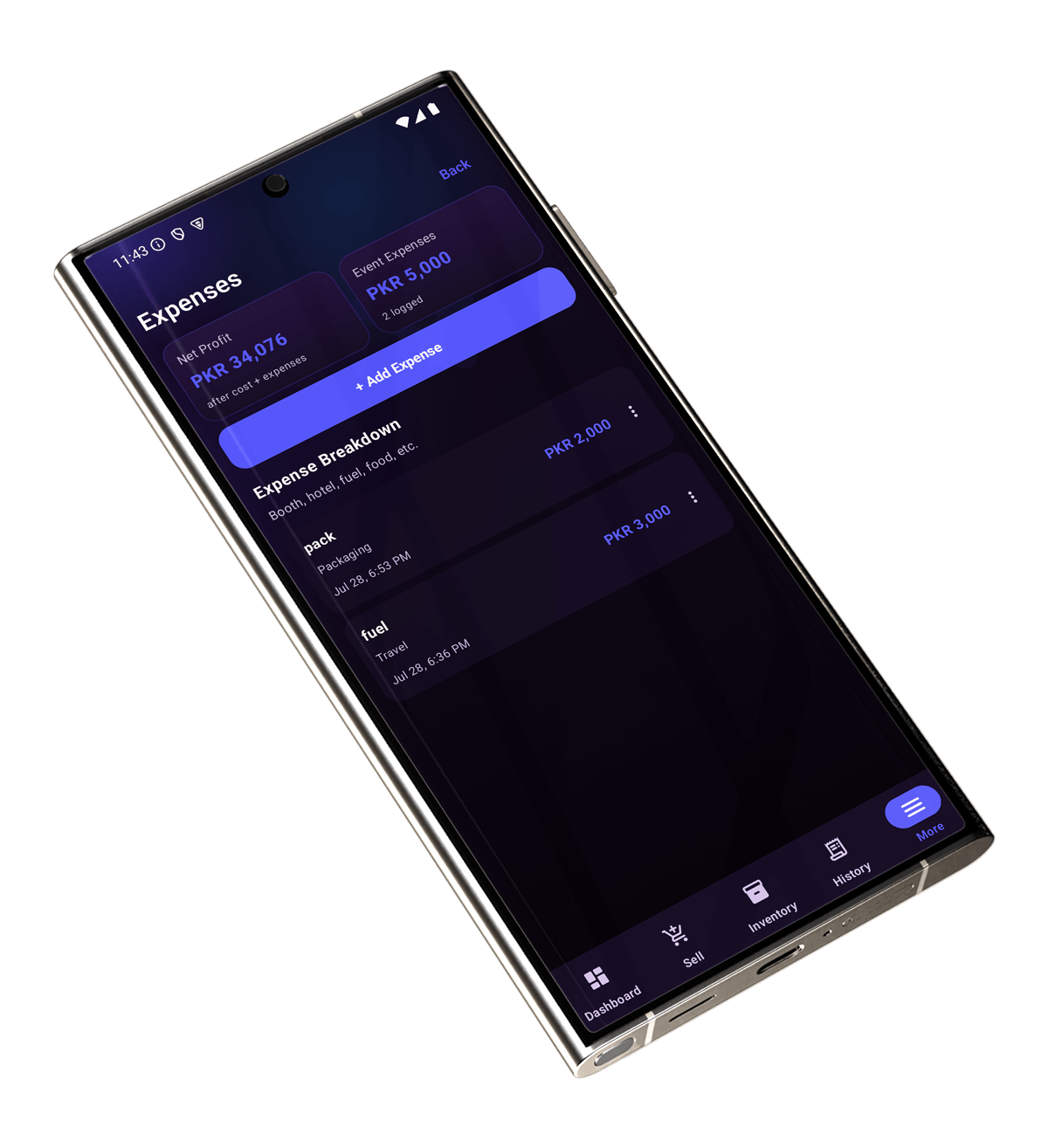
VendorCue helps you see more than revenue. It tracks making cost, manual discounts, event expenses, net profit, and margin.
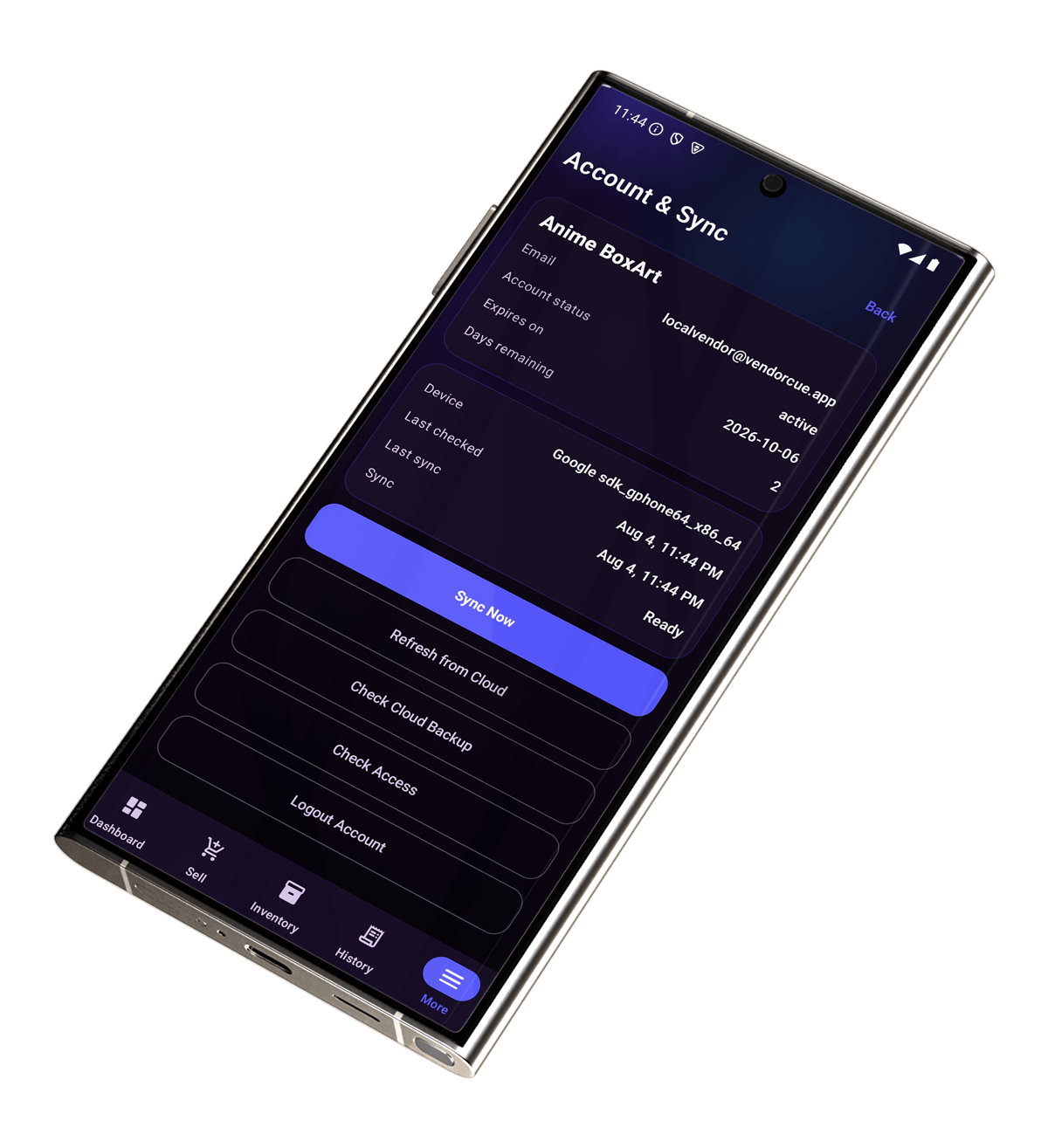
VendorCue keeps data synced to VendorCue Cloud so approved devices can refresh and restore business records when needed.
Simple screens for event sales, business sales, inventory, expenses, reports, sync, and restore make VendorCue practical for real small-vendor workflows.
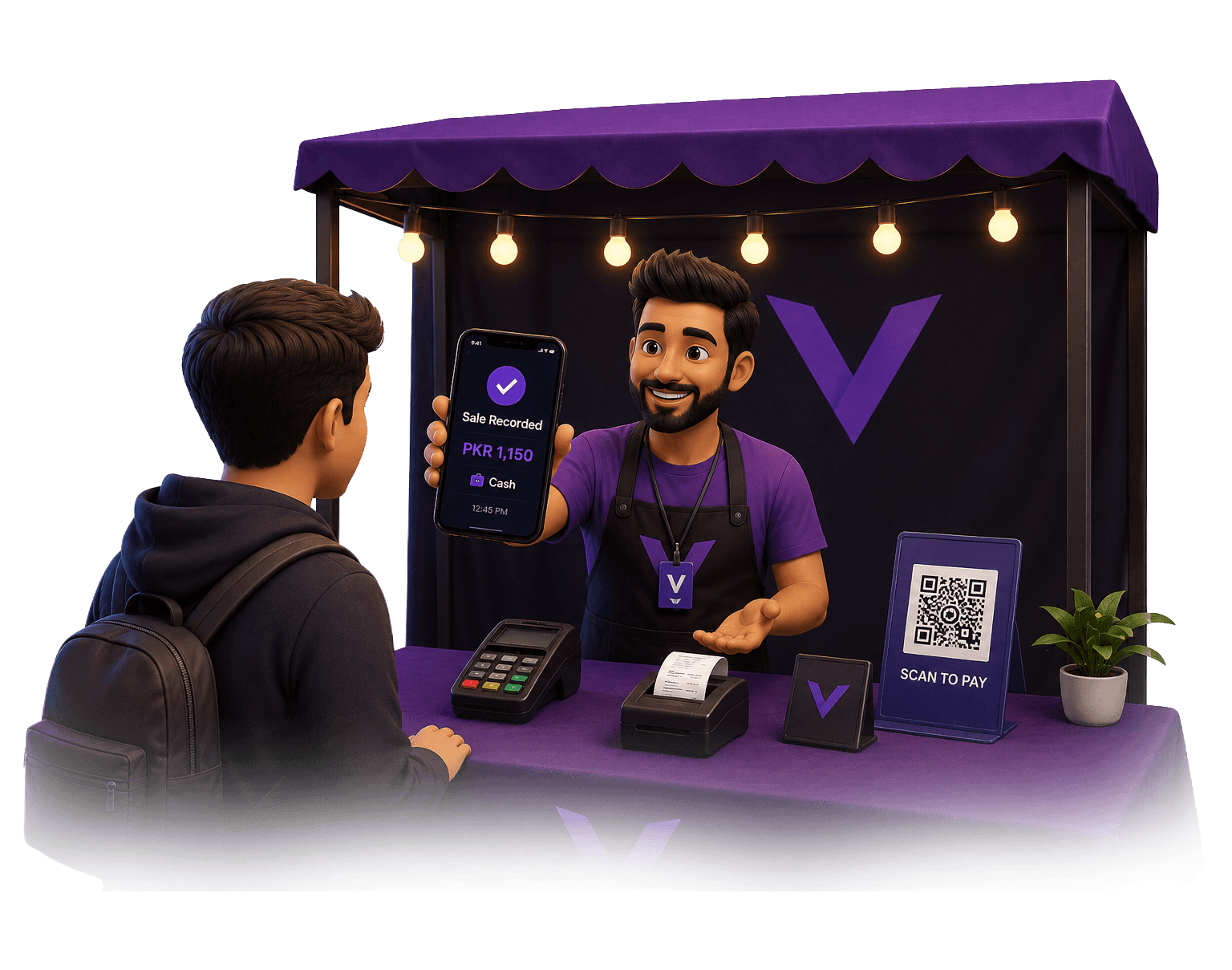
VendorCue is built for small vendors who cannot risk losing sales, stock, or profit records. Data stays vendor-isolated, syncs safely to the cloud, and can be restored on approved devices.
Create your account directly in the VendorCue Android app and start your three-day Trial.
Add categories, products, selling price, making cost, opening stock, and low-stock thresholds.
Use Event Sale for live events or Business Sale for Instagram, WhatsApp, pickup, and direct orders.
Add event expenses, apply manual discounts, and review revenue, making cost, net profit, and margin.
Keep your business data synced with VendorCue Cloud and restore it on approved devices.
Check event reports, monthly business performance, sales history, and inventory value.
Download VendorCue from its official source. Create your account directly in the Android app and start with an eligible three-day Trial. No payment method is required, and the Trial does not renew automatically.
No. VendorCue supports both Event Sales and Business Sales. You can record sales from events, Instagram, WhatsApp, pickups, and direct orders.
Yes. VendorCue includes practical inventory tracking for products, categories, selling price, making cost, stock, opening stock, and low-stock status.
Yes. Business Sales can be recorded without creating an event.
Yes. VendorCue uses selling price, making cost, manual discounts, and event expenses to show profit and margin.
Yes. The Android app is designed for offline-first selling and syncs data to the cloud when internet is available.
Yes. VendorCue for Windows is available from the official VendorCue website.
Yes. You can create your VendorCue account directly in the Android app.
Eligible vendors receive a three-day Trial. No payment method is required, and VendorCue will not automatically charge you when the Trial ends.
Install the latest version of VendorCue from Google Play for the newest features and improvements.